The Problem with M-Series Virtualization
Apple’s M-series chips are phenomenally fast, but they introduced a real headache for developers who rely on Linux virtual machines. The ARM64 architecture means many traditional VM solutions either don’t work, cost money, or ship with painful limitations.
Multipass — which used to be the go-to free option — has a known bug on M2 and later chips where instance creation silently fails or hangs indefinitely. Paid solutions like Parallels work well, but they’re not free. So what’s the alternative?
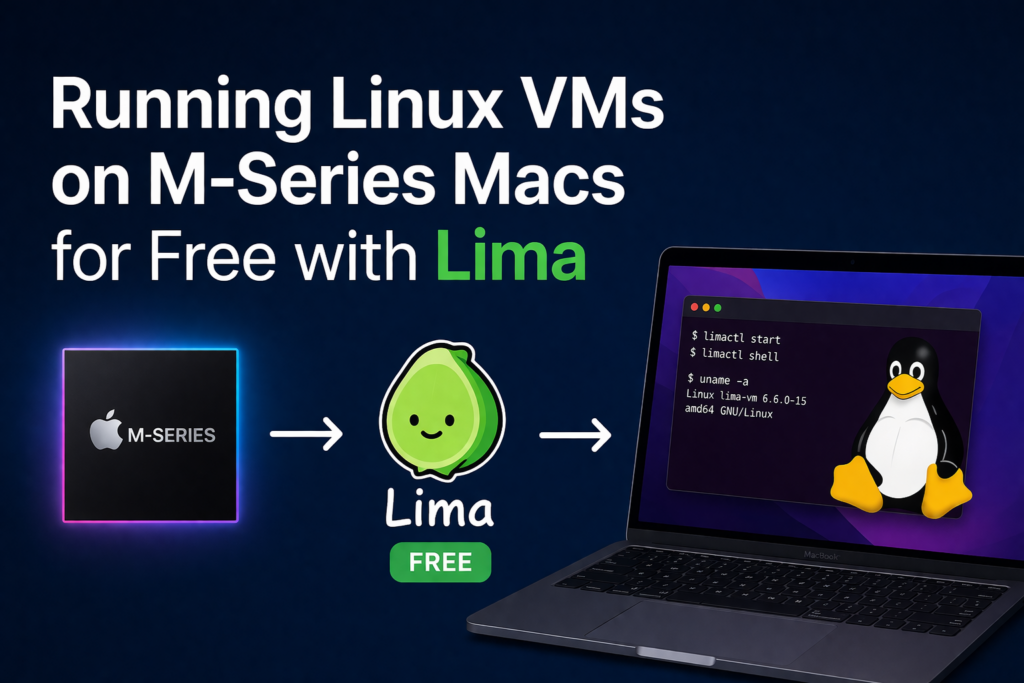
Lima (Linux Machines) is a free, open-source tool that runs Linux VMs with automatic file sharing and port forwarding on macOS. It’s built on top of QEMU and supports ARM64 natively — which means it works perfectly on every M-series chips.
brew install limactl

# Verify
limactl --version
No license key, no account, no GUI installer.
Essential limactl Commands
Start an instance
# Interactive wizard (recommended for first time)
limactl start

# Start Ubuntu directly, no wizard
limactl start --name=myvm template://ubuntu

# Specific Ubuntu version
limactl start --name=ubuntu22 template://ubuntu-22.04

# Custom CPU and memory
limactl start --name=dev --cpus=4 --memory=8 template://ubuntu

# List all available templates
limactl start --list-templates
Shell access
# Open a shell inside the VM
limactl shell myvm

# Run a one-off command
limactl shell myvm -- uname -a
limactl shell myvm -- cat /etc/os-release
Manage instances
# List all instances and their status
limactl list

# Stop a running instance
limactl stop myvm

# Start a stopped instance
limactl start myvm

# Delete permanently
limactl delete myvm

# Force delete even if running
limactl delete --force myvm
Copy files between Mac and VM
# Mac → VM
limactl copy ./myfile.txt myvm:/home/user/

# VM → Mac
limactl copy myvm:/home/user/output.log ./output.log
Lima is the cleanest free solution for running Linux VMs on Apple Silicon right now. It’s actively maintained, supports a wide range of distros via templates, and the YAML-based config makes it easy to version-control your environment alongside your projects. If Multipass has been letting you down on M2+, Lima is the drop-in replacement you’re looking for.
References: https://lima-vm.io/docs/reference/limactl/